 Starix Orbit
Editing design files away from the office
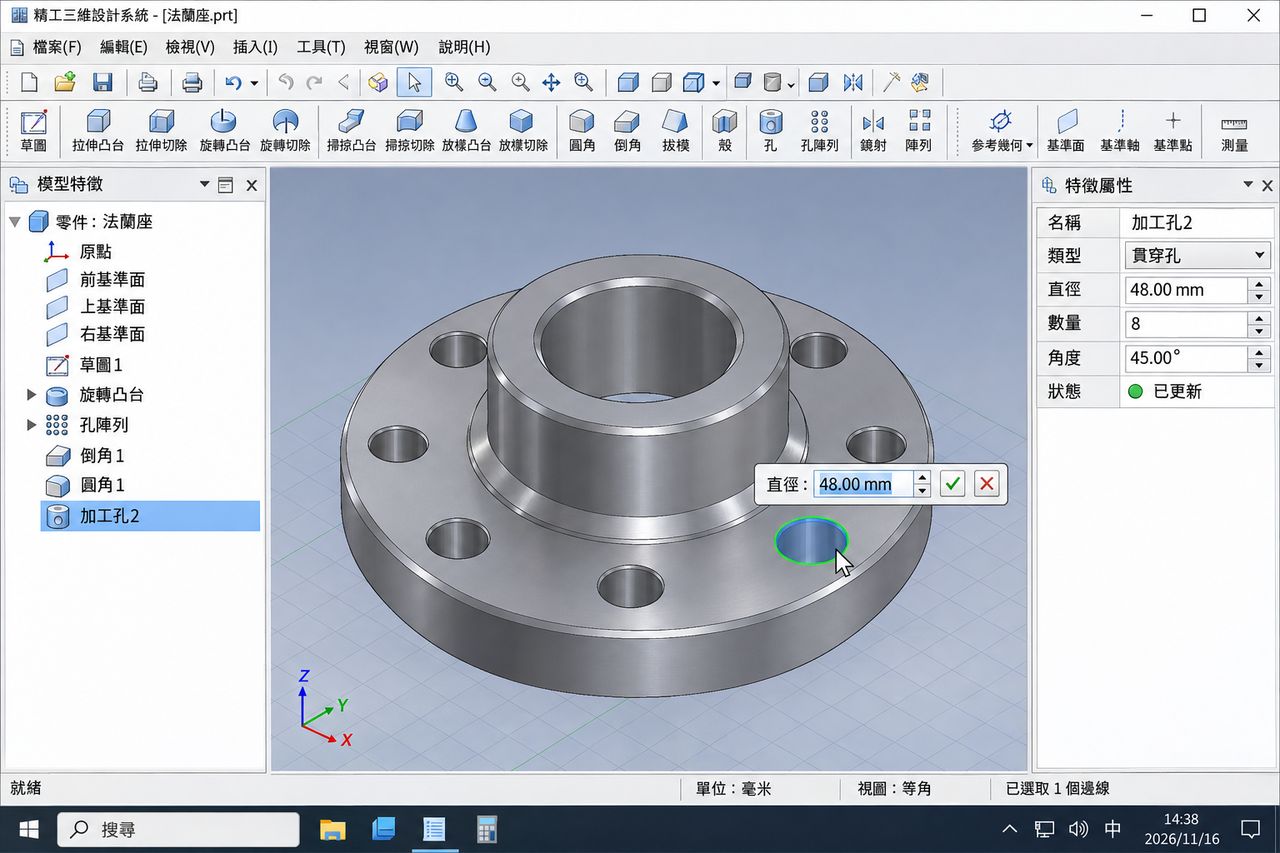
Connect to the workstation and edit the source files there, with no need to move large files around.
Leave graphics, 3D design and video editing to the workstation at the office, while your laptop only displays and controls. Up to 4K quality, with remote sound.
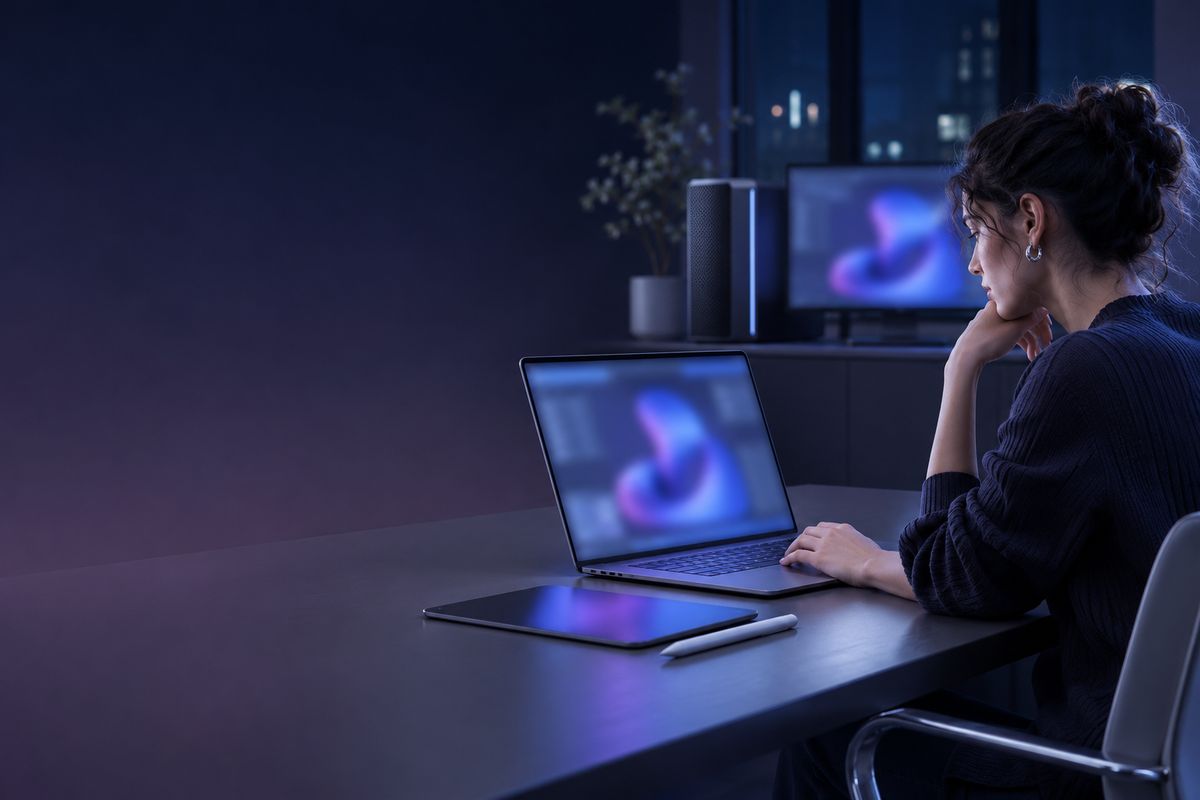
Connect to the workstation and edit the source files there, with no need to move large files around.
Start a render and leave your desk, then connect from your laptop later to check progress and collect the output.
Capture the full remote screen or a selected area and paste it straight into a message or document.
Connect to several workstations from one Controller and switch between them in the list.
Up to 4K, adjusted automatically to network conditions. Remote sound plays on your own computer, so you can hear the audio while editing.
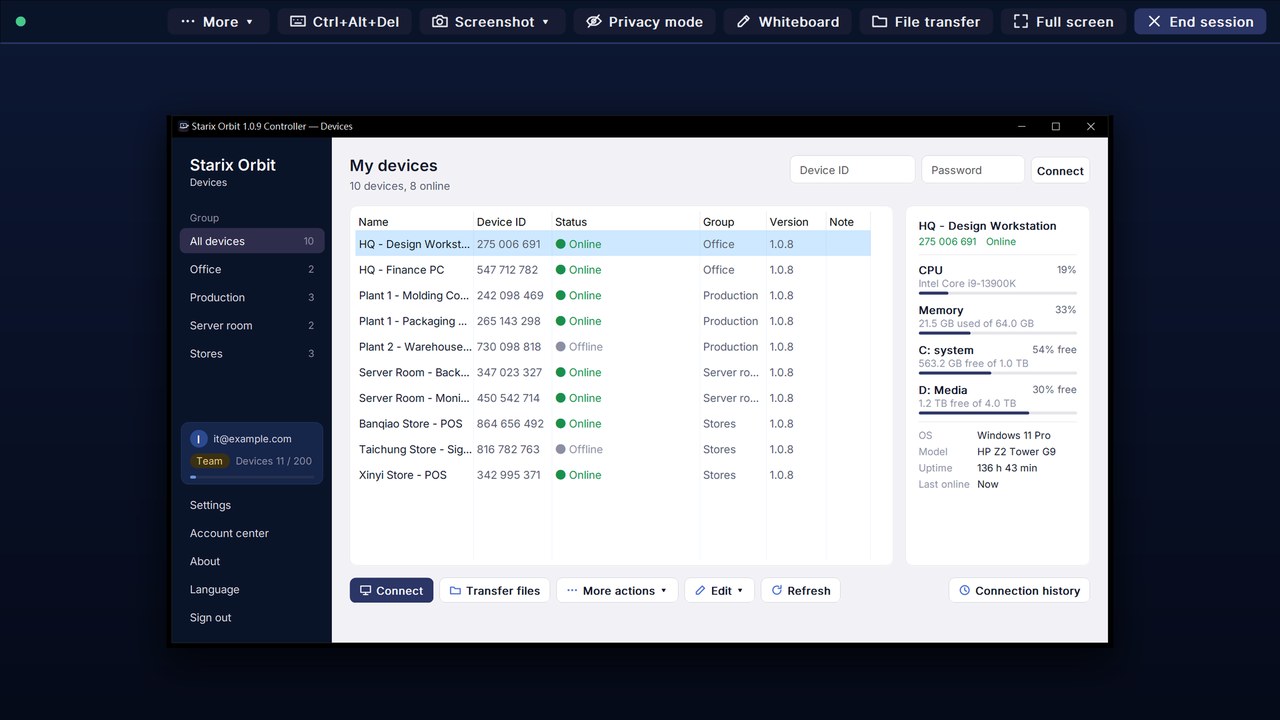
Capture the full remote screen or a selected area and save it as an image, or record the session as an MP4 video.
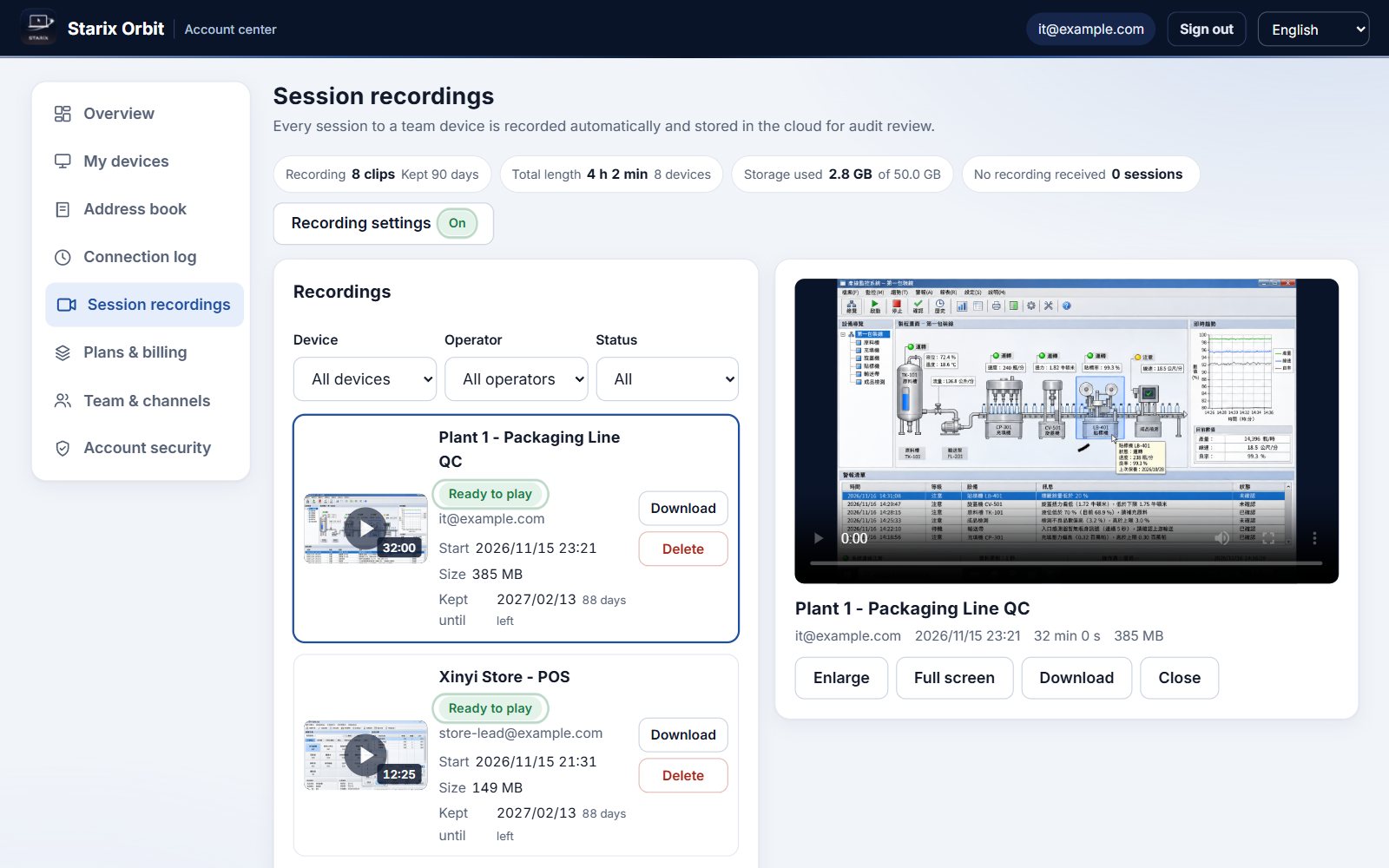
CPU, memory and per-disk usage are shown in Devices, so you know which workstation is busy and which has space.
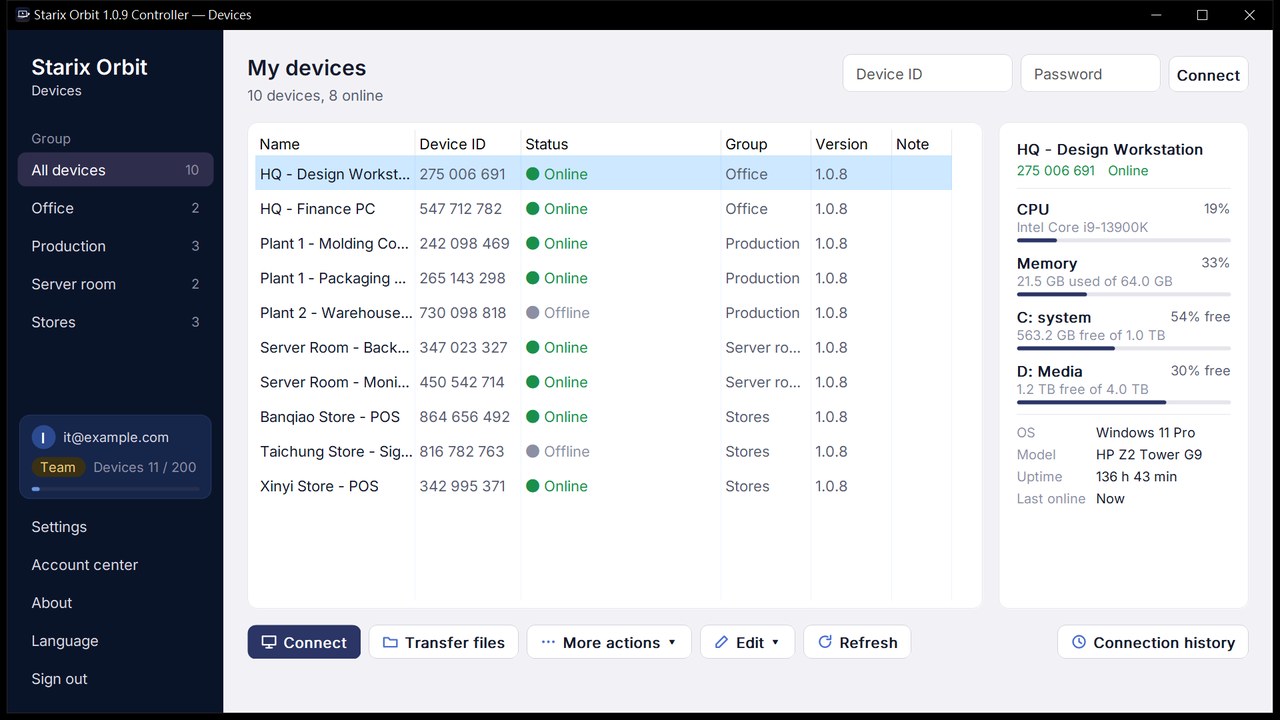
Control it directly with your keyboard and mouse, with low latency and quality that adapts to your network.
Download and install the Starix Orbit Host on the computer you want to control and sign in to your account. The computer then appears in your device list.
Set a fixed connection password in the Host and turn on unattended access. From then on it is ready to connect as soon as it boots, with no one on site.
Open the Controller on your own computer, sign in, select the device from the device list and click Connect.
Connect as soon as you download. Upgrade in the Account center.
 Production line equipment
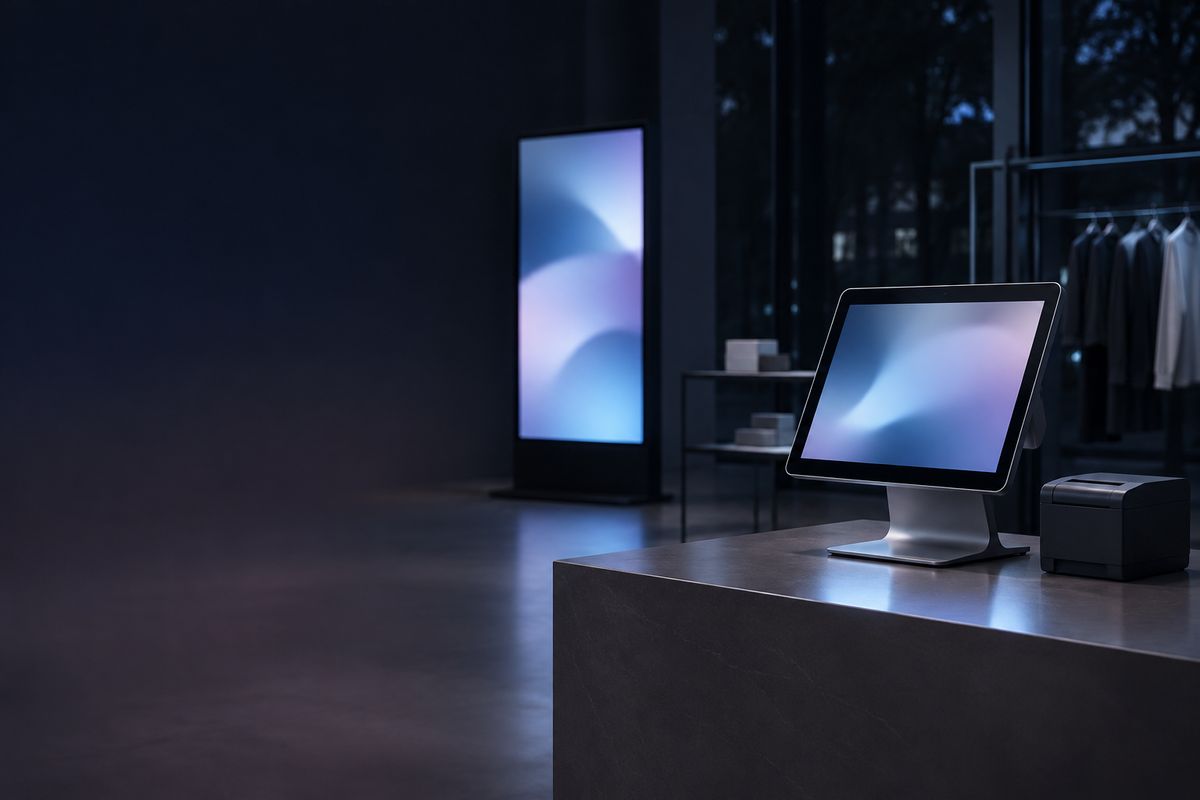 Store registers and signage
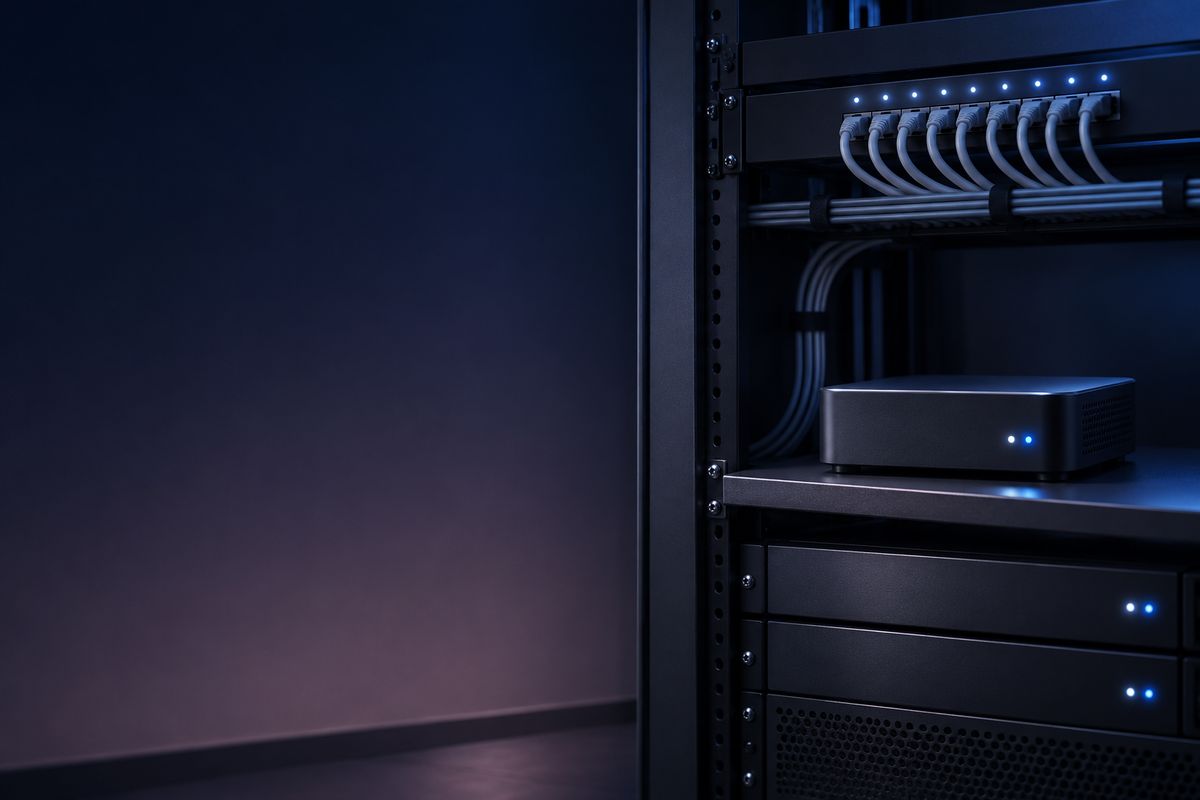 Server rooms and headless computers
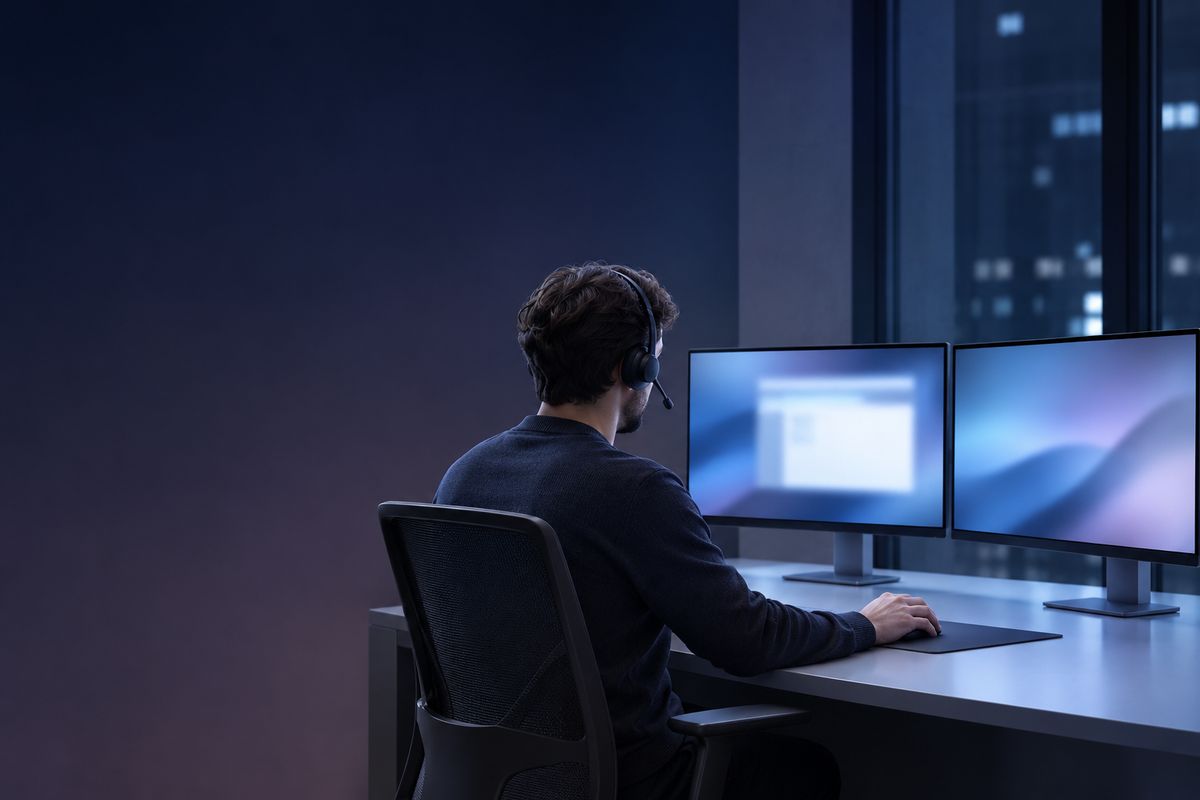 Remote IT support
 Working from home or on the road