 Starix Orbit
A computer with no monitor attached
You get a full desktop once connected and can change the resolution directly, with no need to attach a monitor for maintenance.
Computers with no monitor or keyboard attached get a full desktop too. Power on computers that are shut down with Wake-on-LAN and have hardware data filed automatically, so you make fewer trips to the server room.
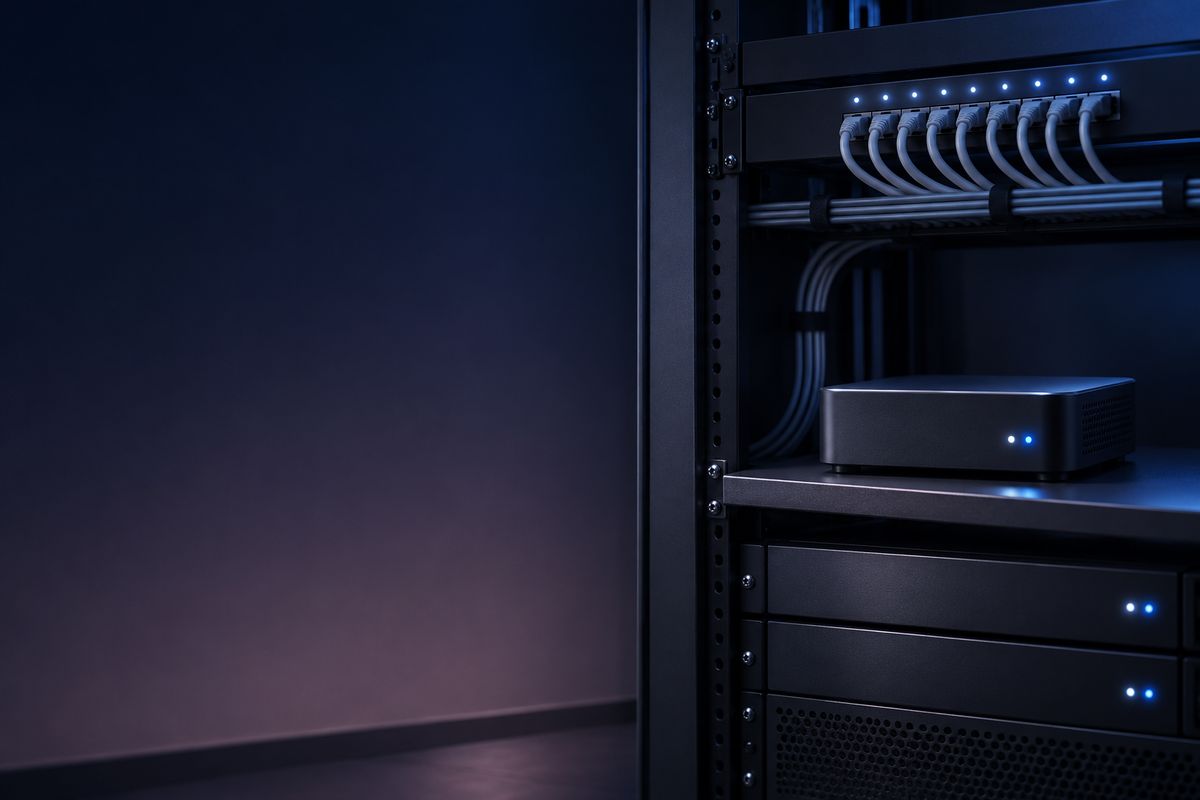
You get a full desktop once connected and can change the resolution directly, with no need to attach a monitor for maintenance.
Restart after installing updates and you can keep working as soon as the sign-in screen appears, all without entering the server room.
Send Wake-on-LAN from Devices and an online device on the same network wakes it up.
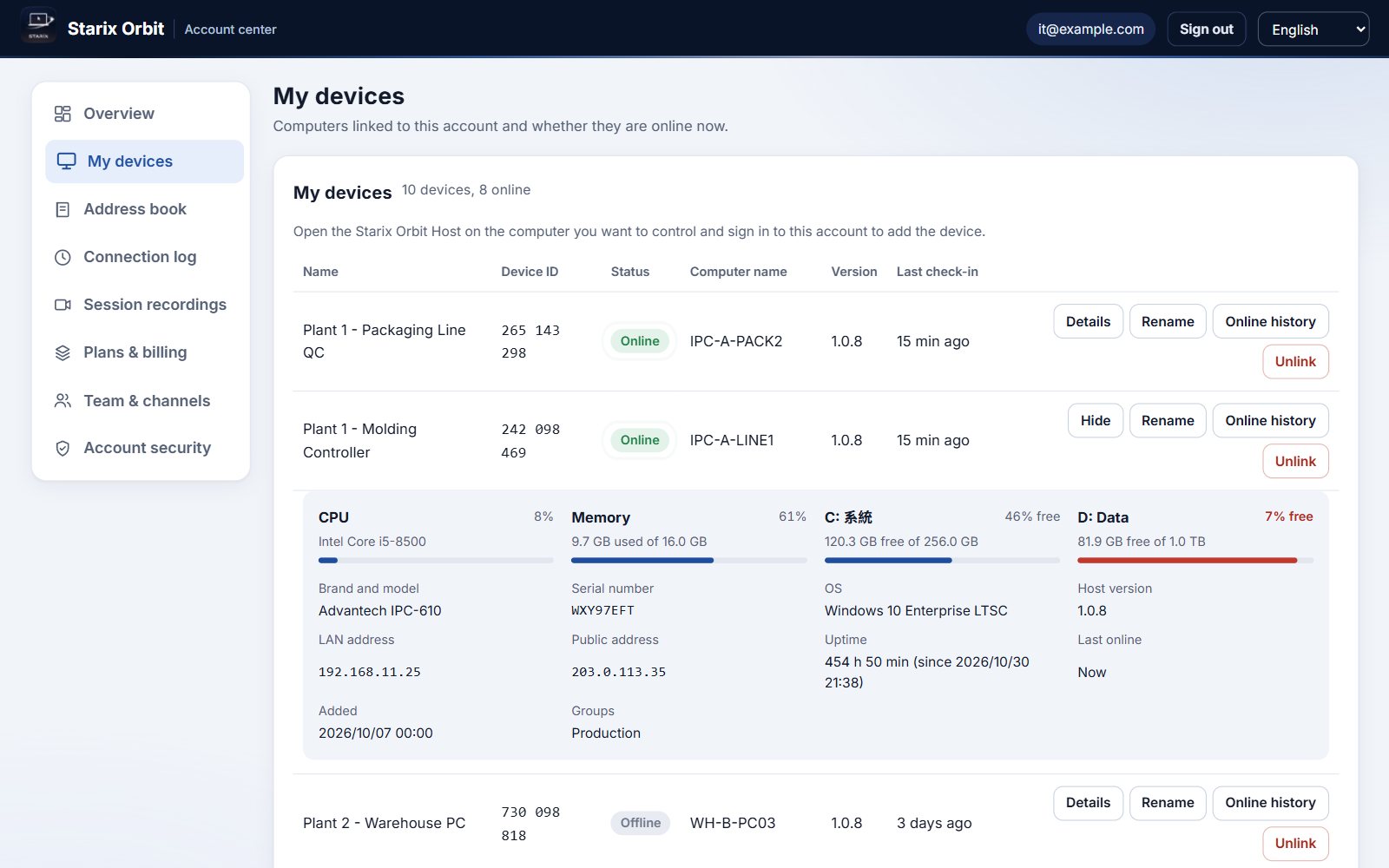
Brand, model, serial number, operating system and disk usage are filed automatically. Download the whole inventory in one click.
CPU, memory and per-disk usage for every computer, plus brand, model, serial number and operating system, all in the Account center.
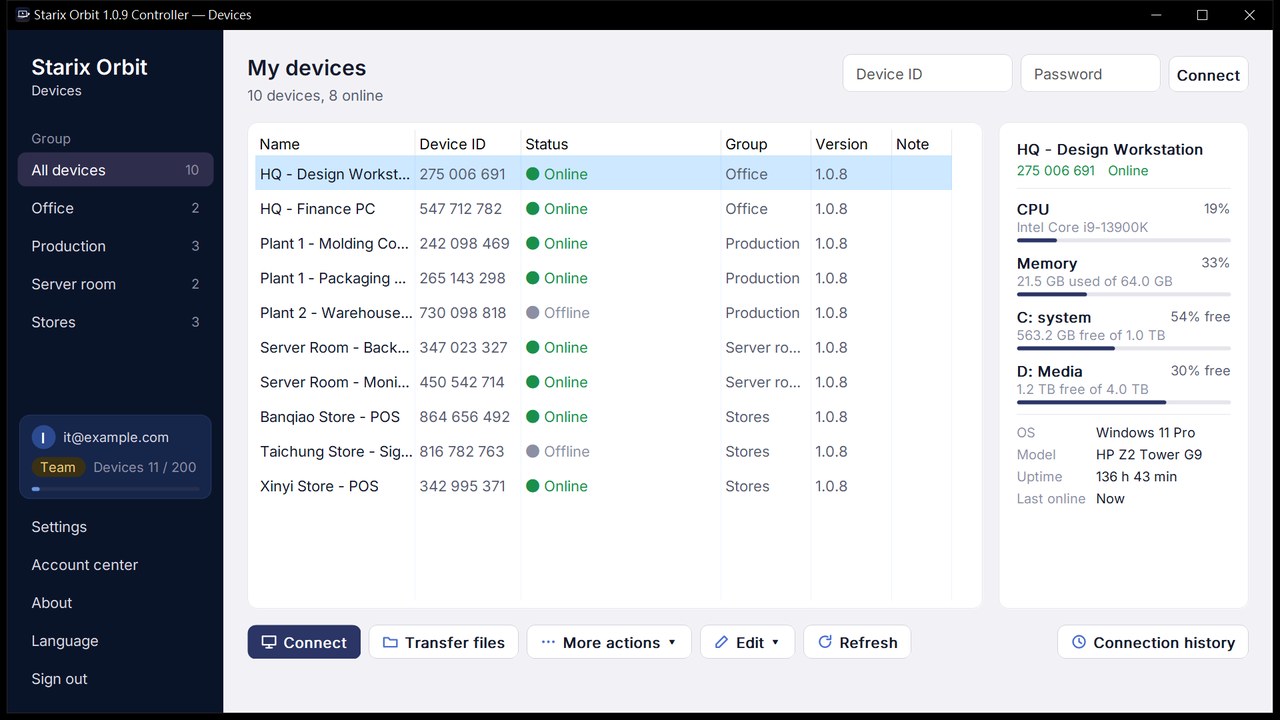
Keep the server room computers in one group, with online status and usage shown in real time. Select a computer to connect, restart or send Wake-on-LAN.
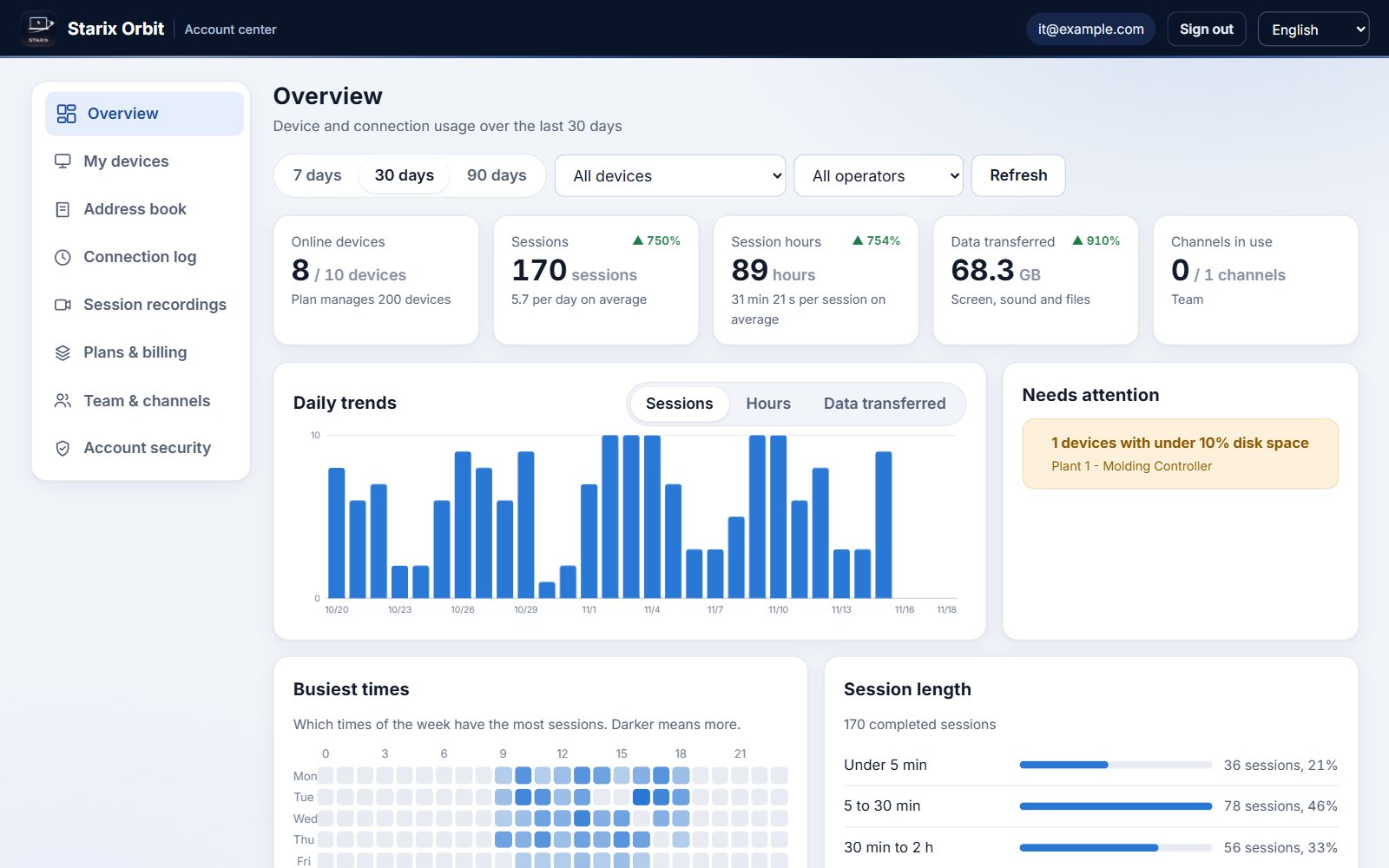
Session counts, hours and data transferred are broken down by period, and devices that need attention are listed alongside automatically.
Control it directly with your keyboard and mouse, with low latency and quality that adapts to your network.
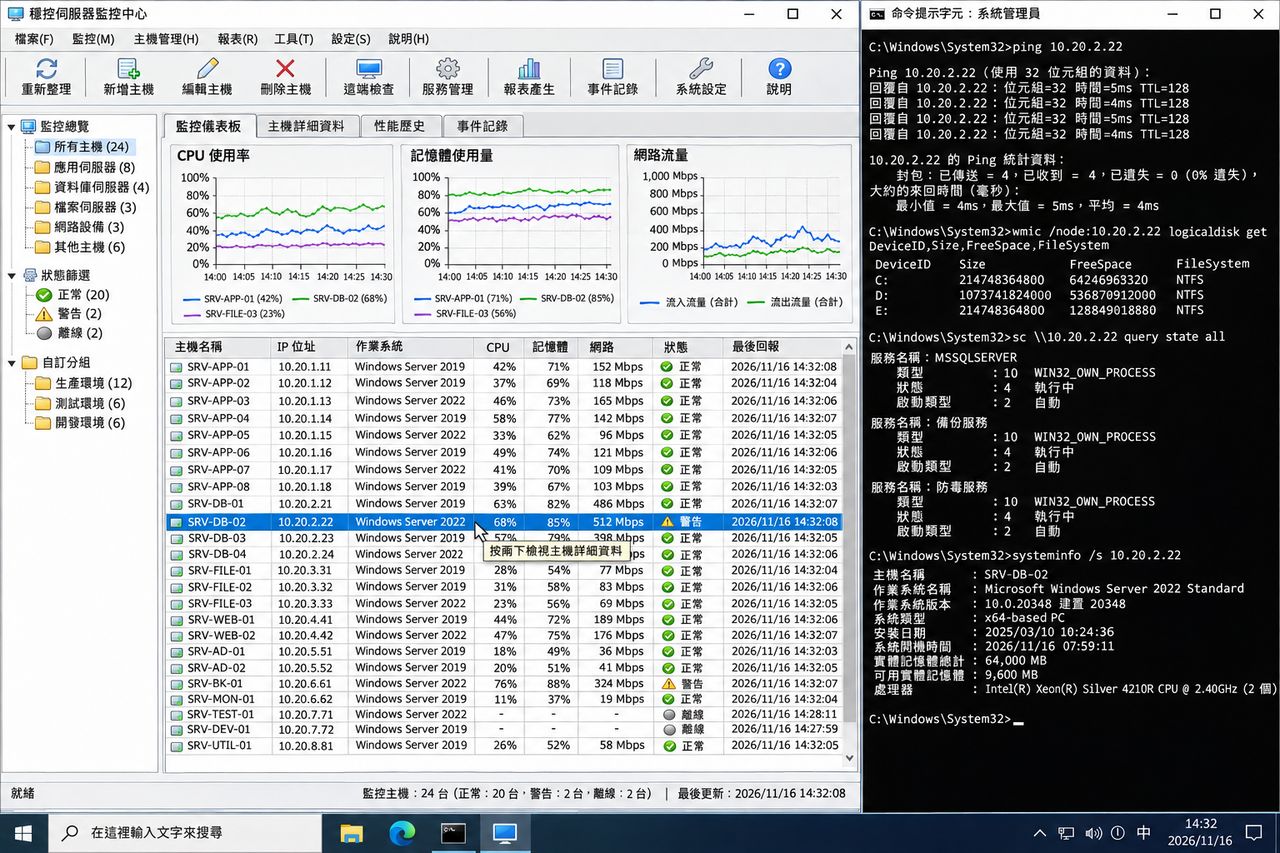
Download and install the Starix Orbit Host on the computer you want to control and sign in to your account. The computer then appears in your device list.
Set a fixed connection password in the Host and turn on unattended access. From then on it is ready to connect as soon as it boots, with no one on site.
Open the Controller on your own computer, sign in, select the device from the device list and click Connect.
Connect as soon as you download. Upgrade in the Account center.
 Production line equipment
 Store registers and signage
 Remote IT support
 Working from home or on the road
 Design and media workstations