 Starix Orbit
A register has a problem
When store staff call, headquarters takes over the register's screen and handles it, with no need to talk them through each step on the phone.
Group registers, digital signage and back-office computers by store. Update prices, change signage content and resolve register issues from headquarters, without sending anyone to the store.
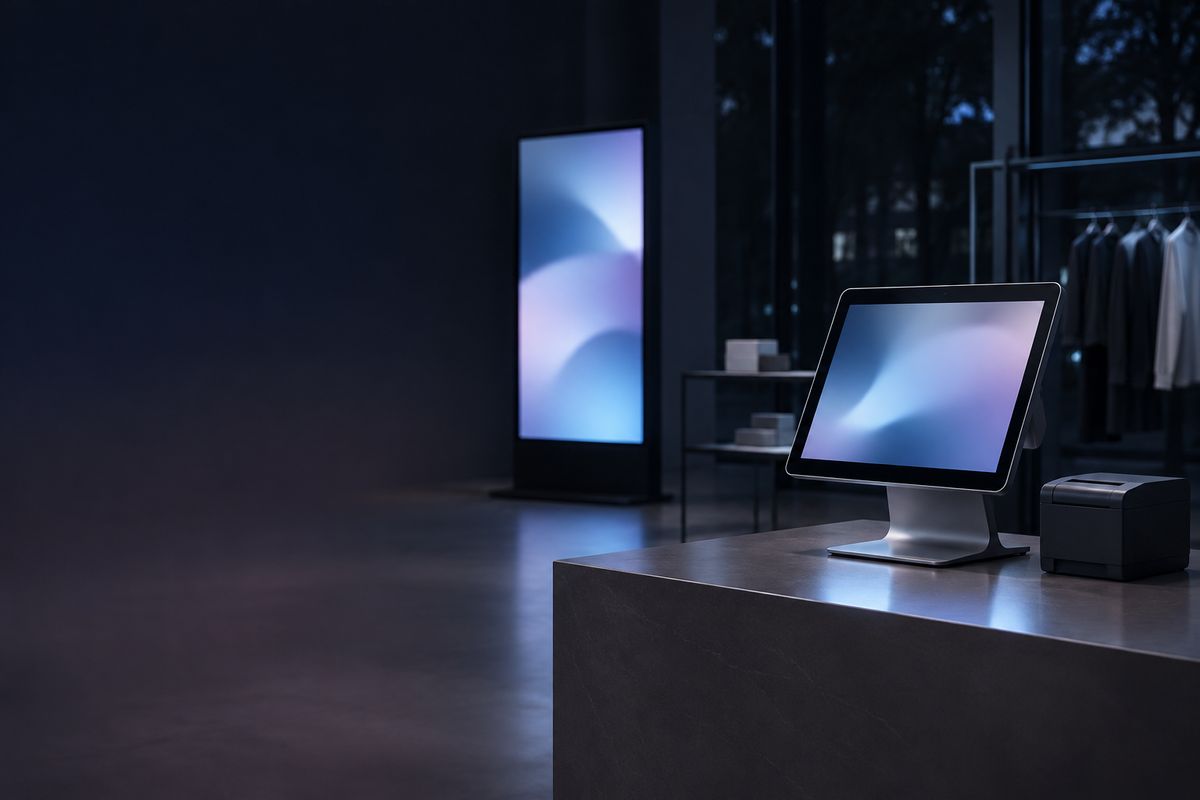
When store staff call, headquarters takes over the register's screen and handles it, with no need to talk them through each step on the phone.
Use file transfer to send new price lists and menu files to the computers in each store, with progress shown on both sides.
Connect to the digital signage computer, load the new campaign videos and schedule, and confirm on the spot that playback is working.
Enter a join code on the new computer and the device goes straight into that store's group, where headquarters sees it right away.
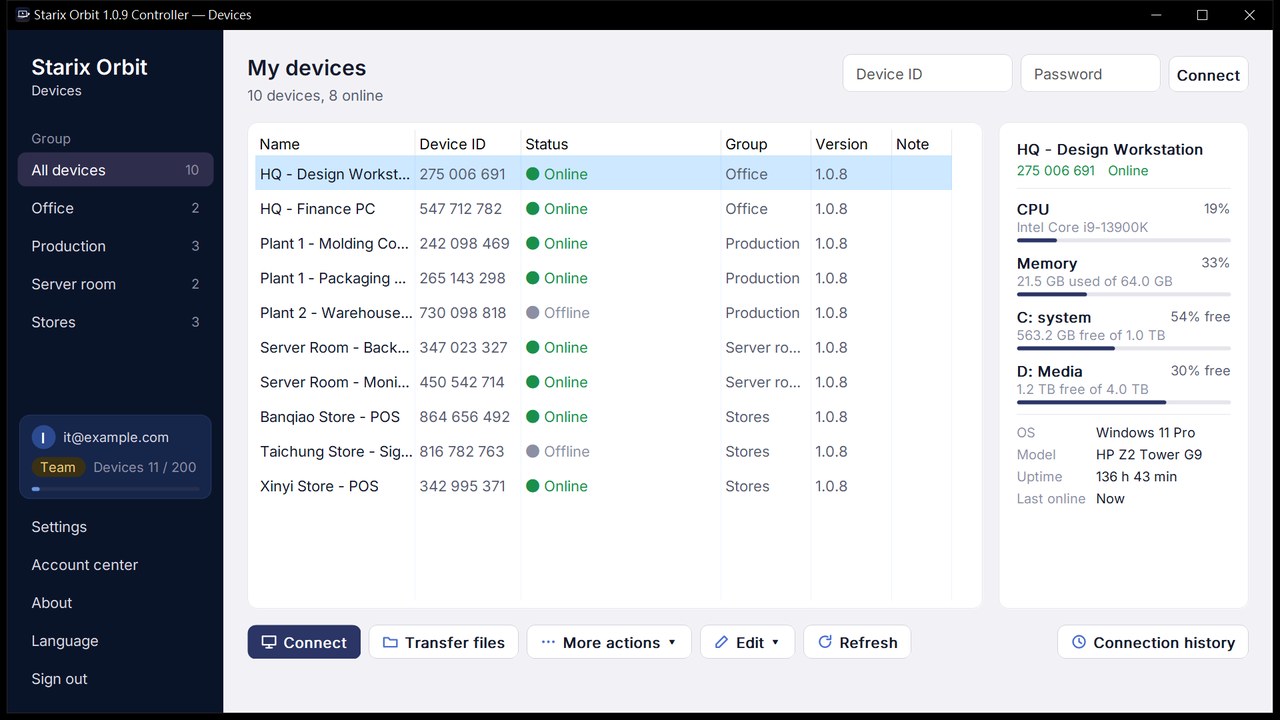
Group devices by store or region and set your own names, groups and notes. Add the devices you connect to often to the address book, shared with team members.
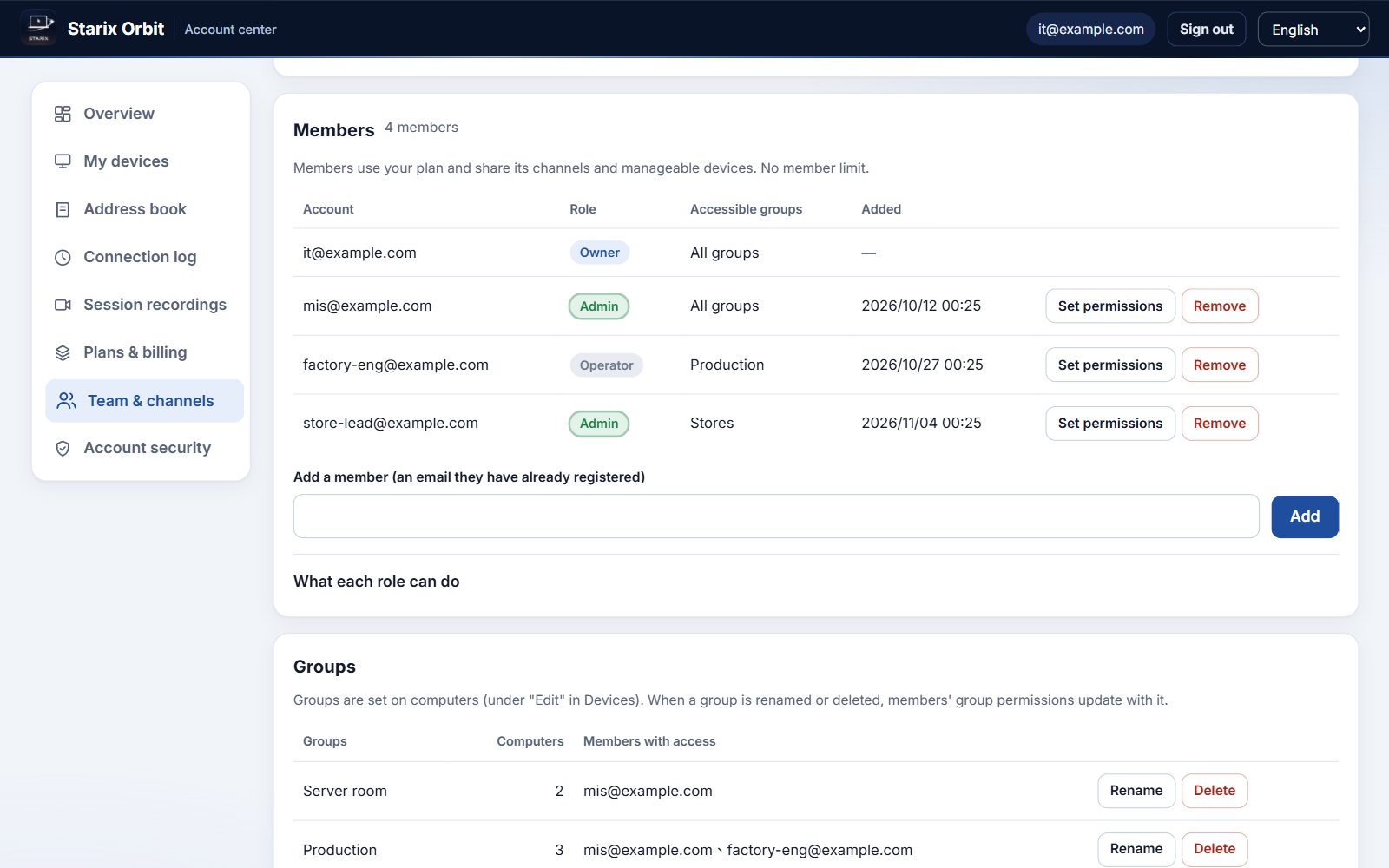
Three roles, Owner, Admin and Operator, with each person granted access to devices by group.
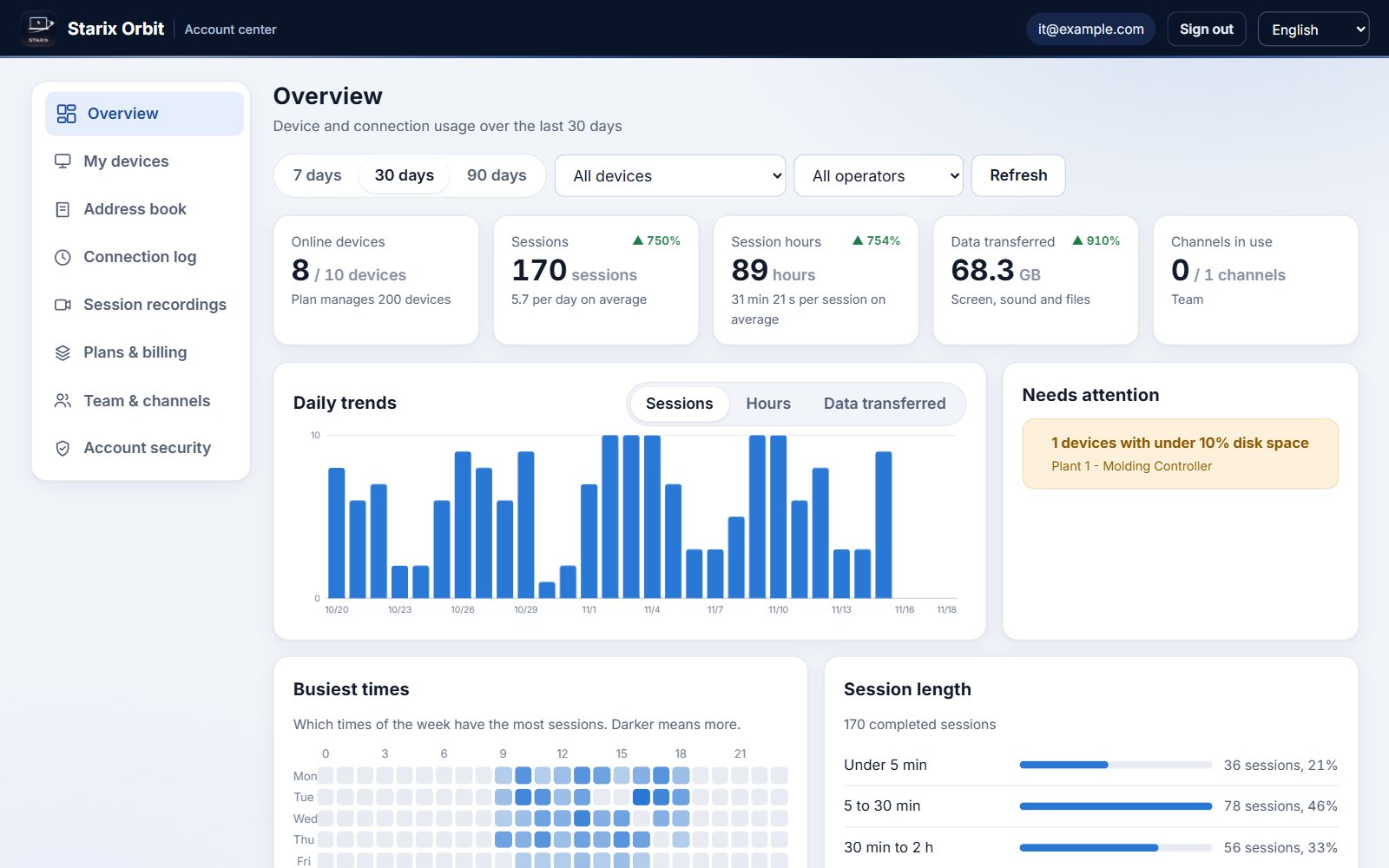
Session counts, hours and data transferred are broken down by period, device and operator, with daily trends clear at a glance.
Control it directly with your keyboard and mouse, with low latency and quality that adapts to your network.
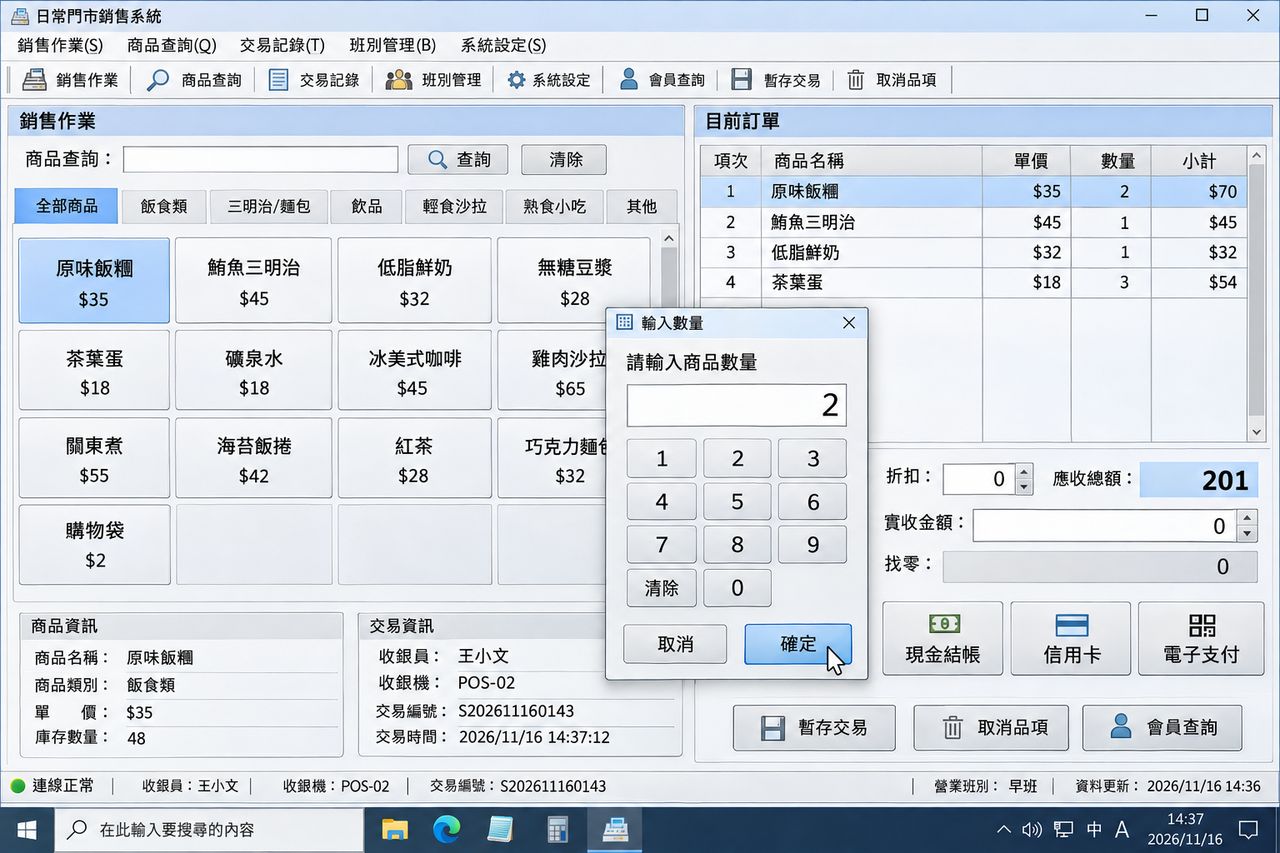
Download and install the Starix Orbit Host on the computer you want to control and sign in to your account. The computer then appears in your device list.
Set a fixed connection password in the Host and turn on unattended access. From then on it is ready to connect as soon as it boots, with no one on site.
Open the Controller on your own computer, sign in, select the device from the device list and click Connect.
Connect as soon as you download. Upgrade in the Account center.
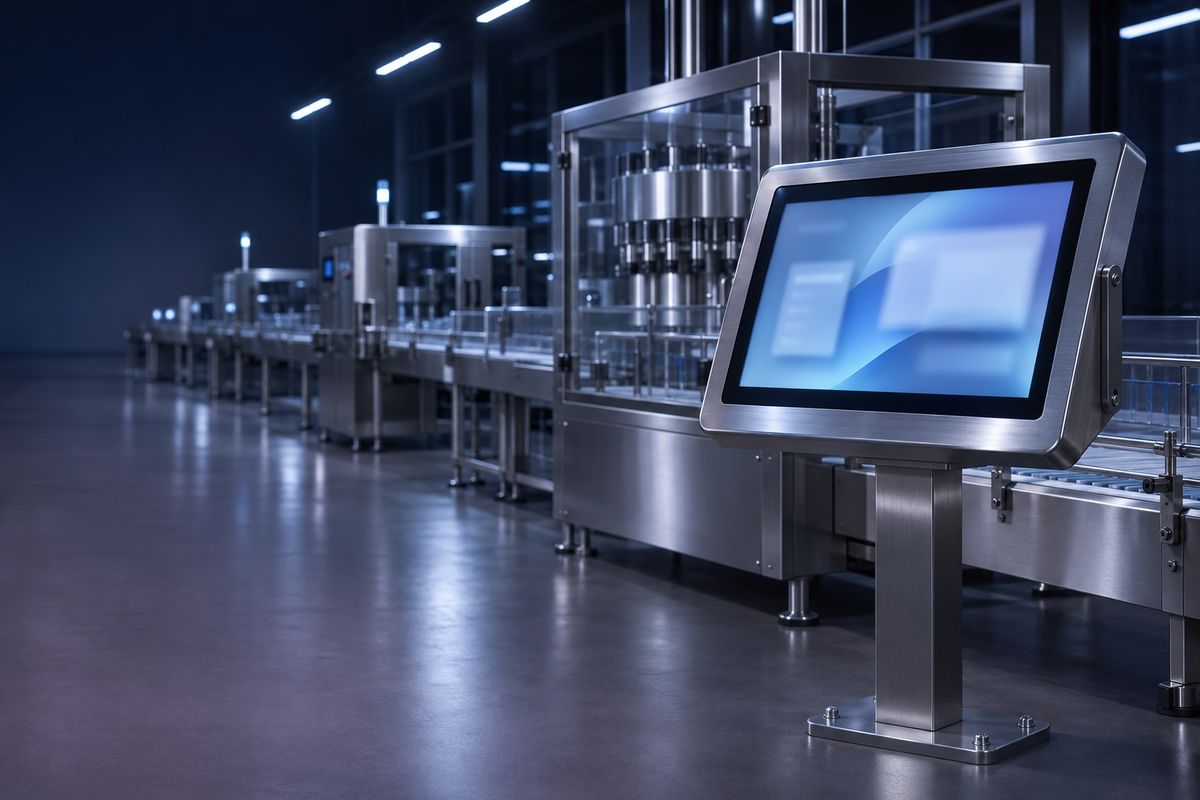 Production line equipment
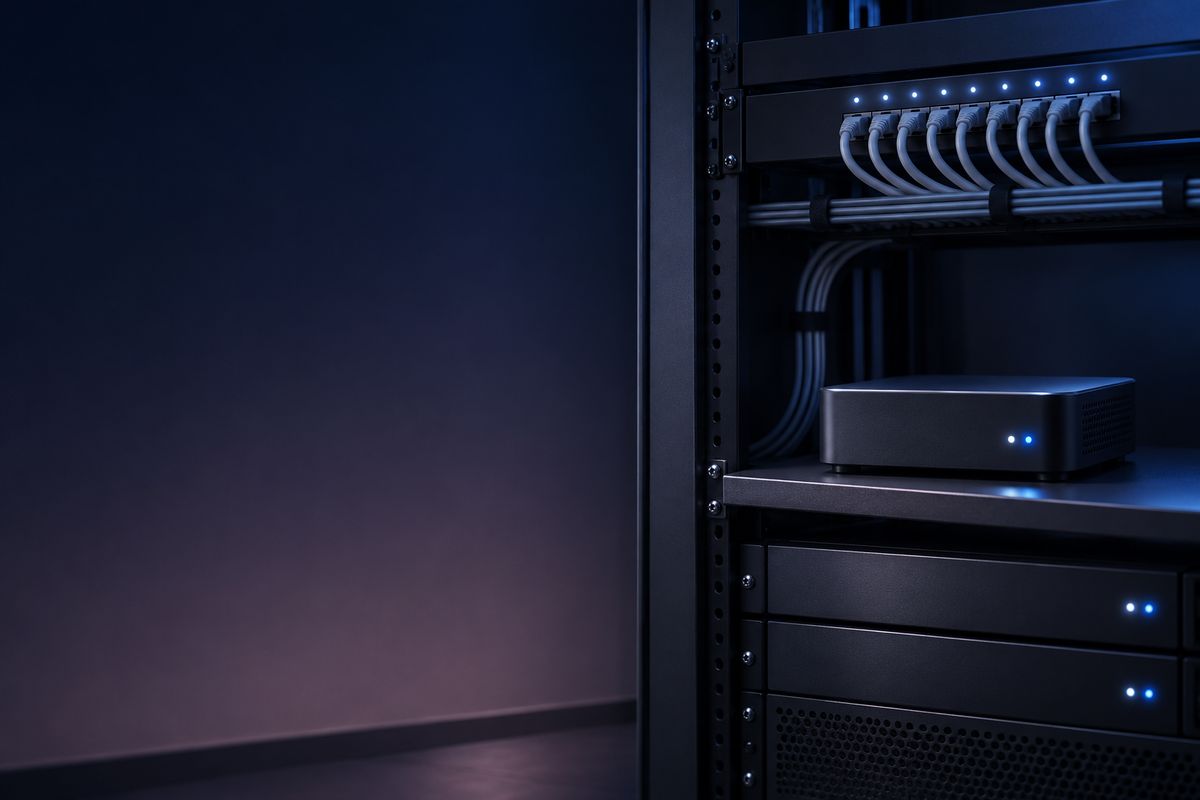 Server rooms and headless computers
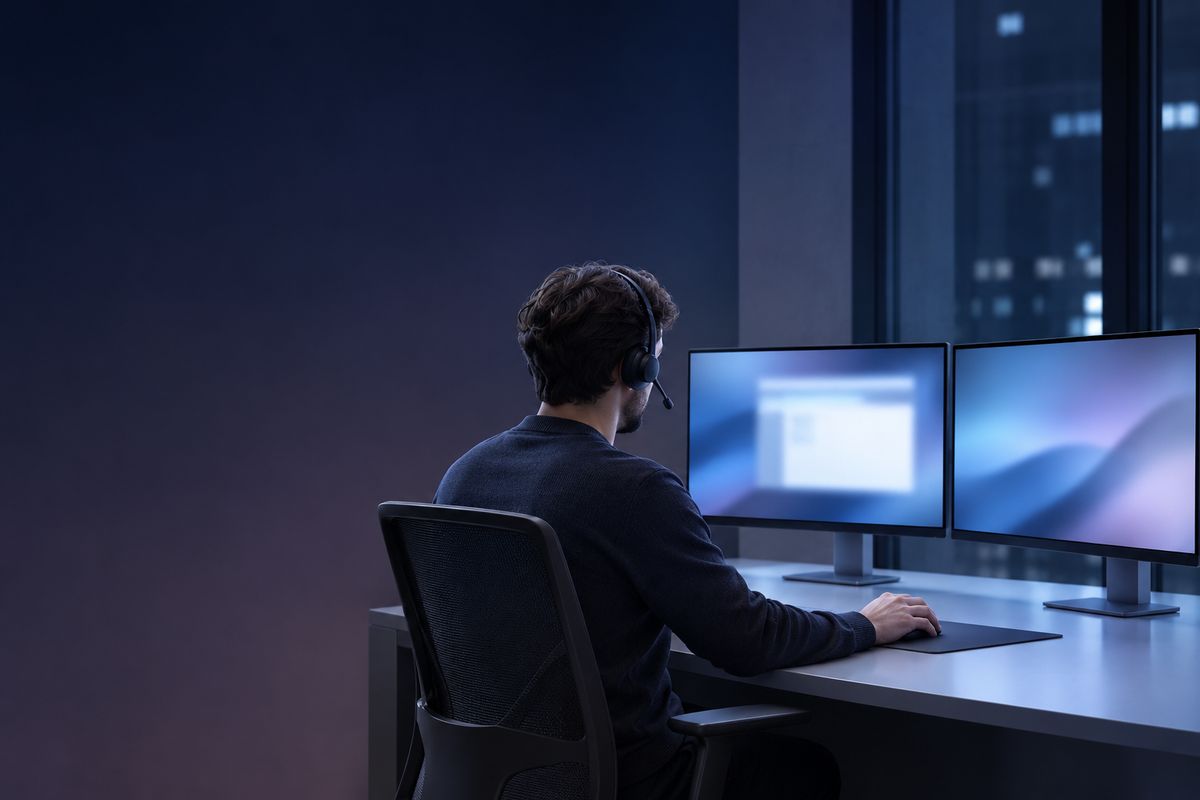 Remote IT support
 Working from home or on the road
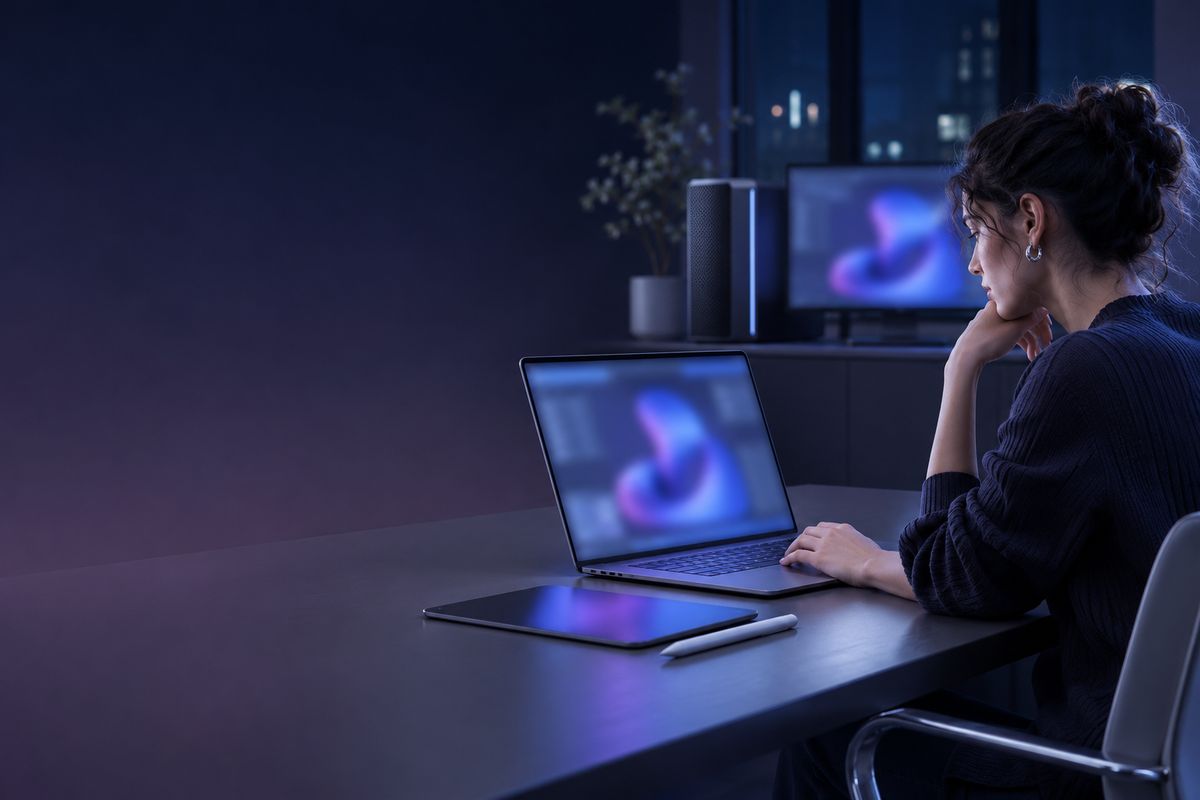 Design and media workstations