 Starix Orbit
A machine raises an alarm
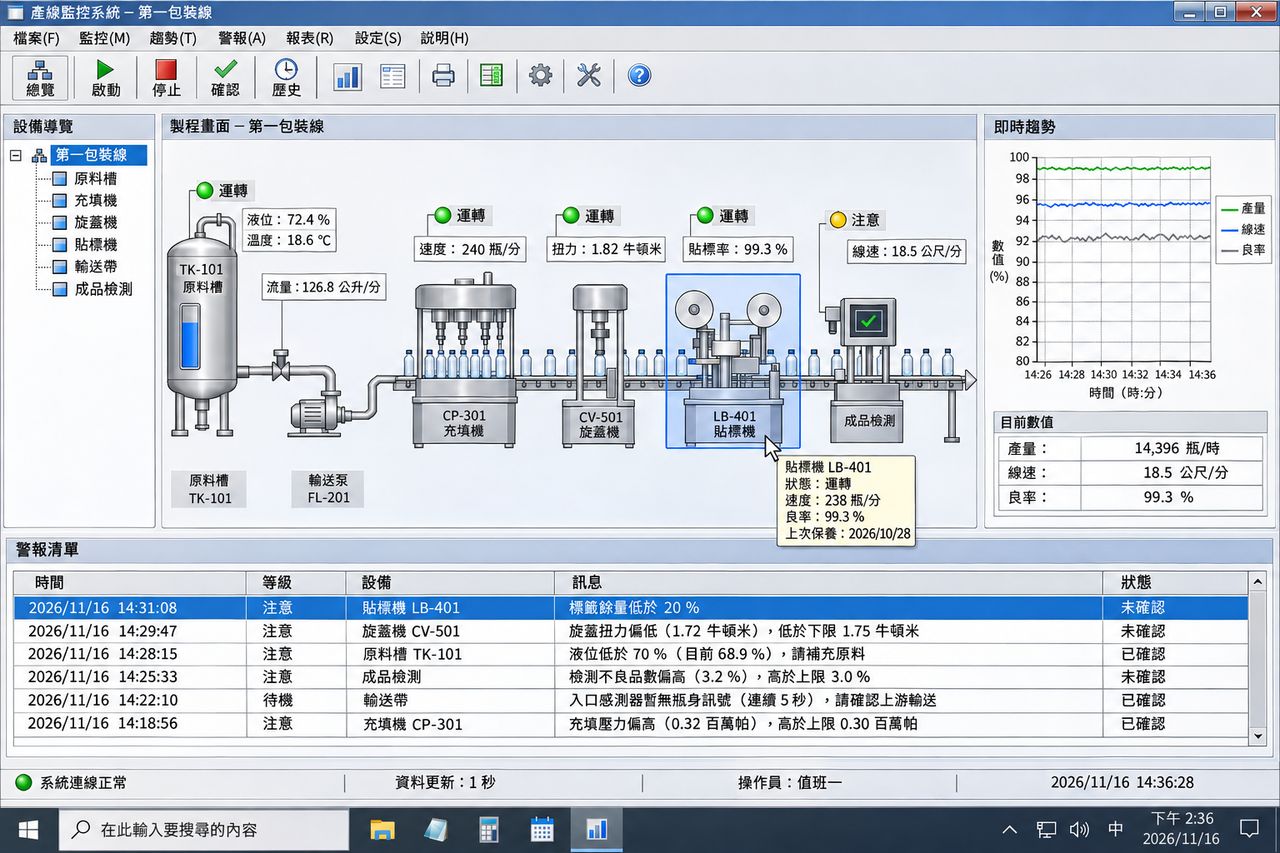
The engineer on duty opens the machine's screen from the office, checks the alarm and adjusts parameters, so the line does not have to stop and wait.
Industrial PCs and machine control PCs on the line are ready to connect as soon as they boot. Adjust parameters, troubleshoot and update programs without entering the cleanroom or going on site.
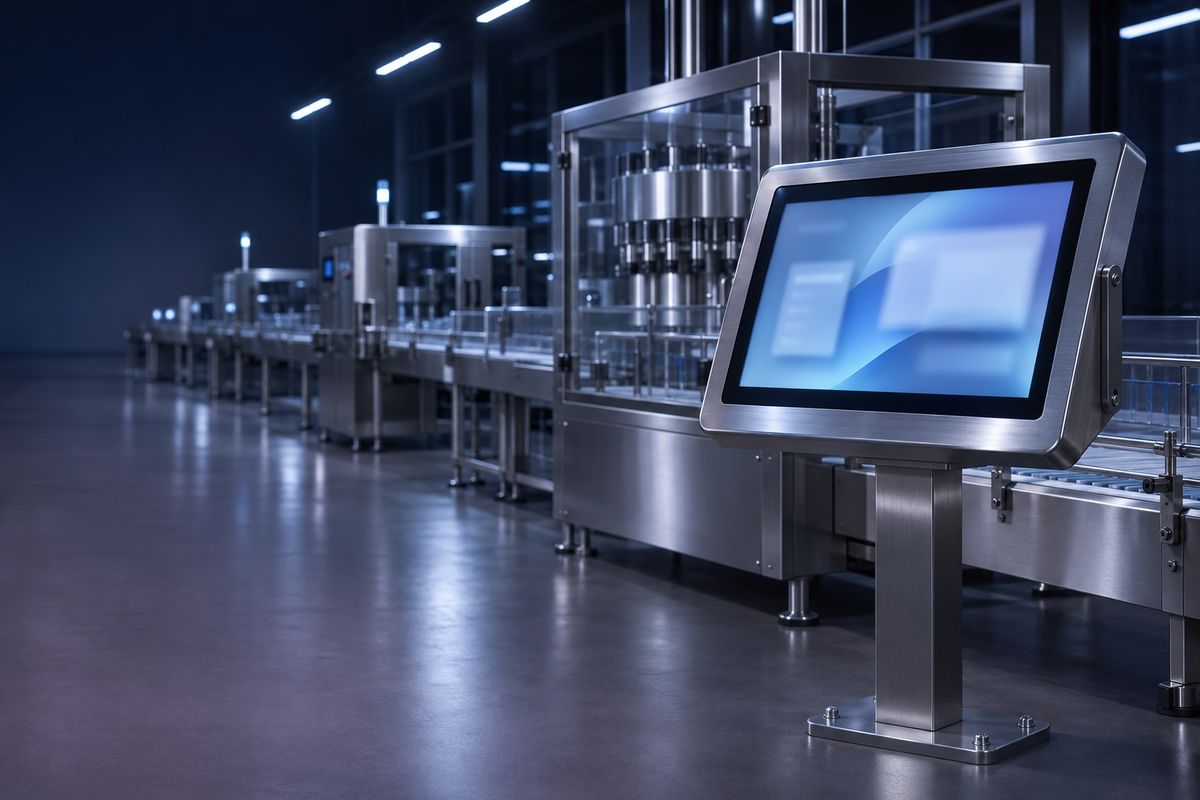
The engineer on duty opens the machine's screen from the office, checks the alarm and adjusts parameters, so the line does not have to stop and wait.
An engineer at the main plant connects straight to equipment at a branch plant, sees the same screen as the on-site staff and works out the cause together.
Give the equipment vendor an Operator account that can connect only to machines in the groups you choose, with every session recorded automatically.
Connect to the production line computer from home to check on it and restart it when needed. You can keep working once it is back at the sign-in screen.
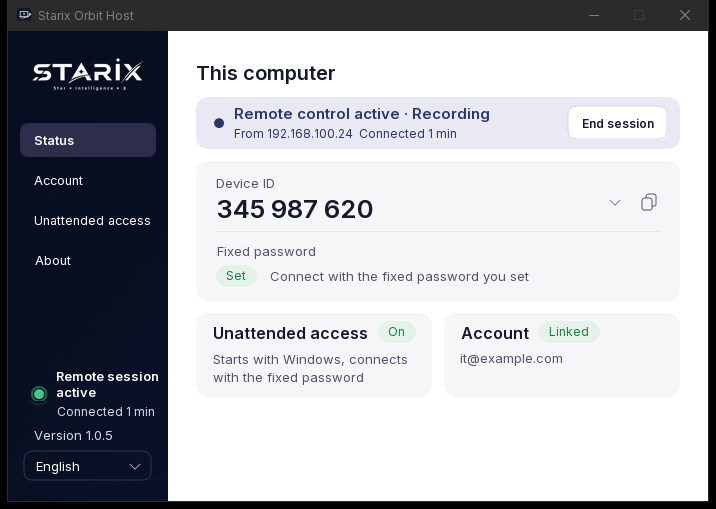
The Host starts with the computer and works on the sign-in and lock screens. After a restart it is ready to connect again automatically.
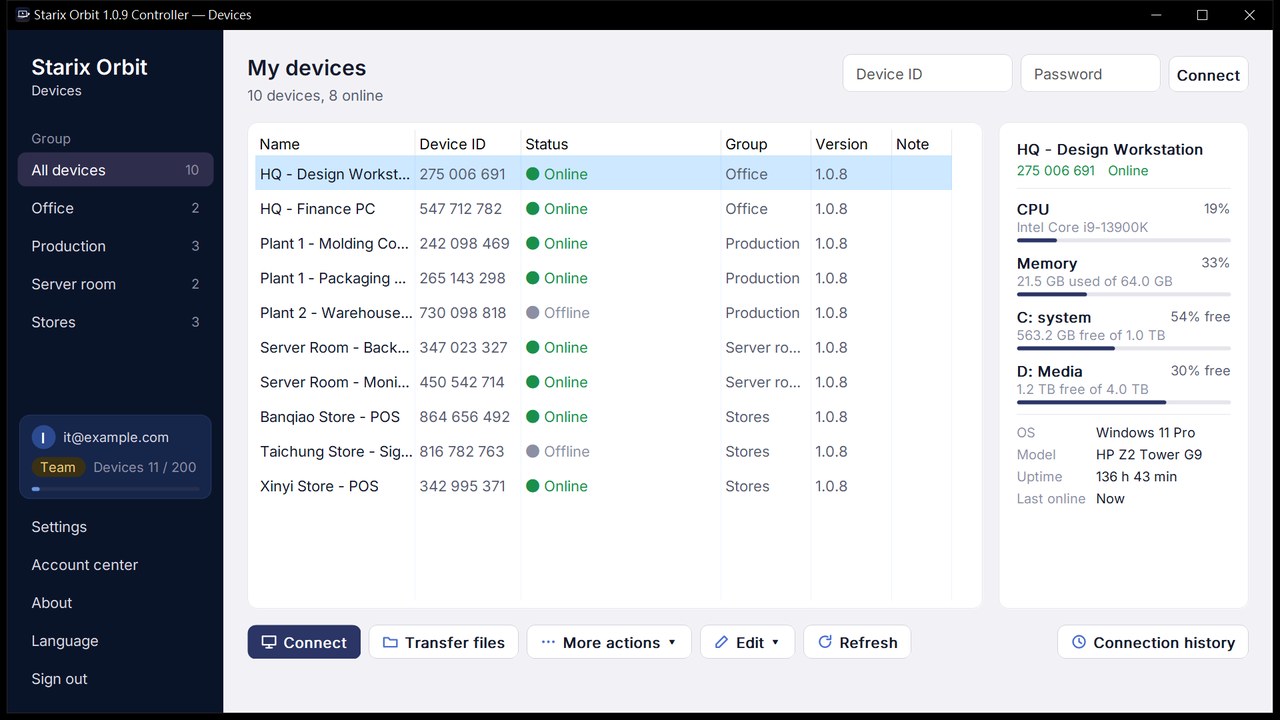
Group by production line or plant and see at a glance what is online or offline, with CPU, memory and per-disk usage shown alongside.
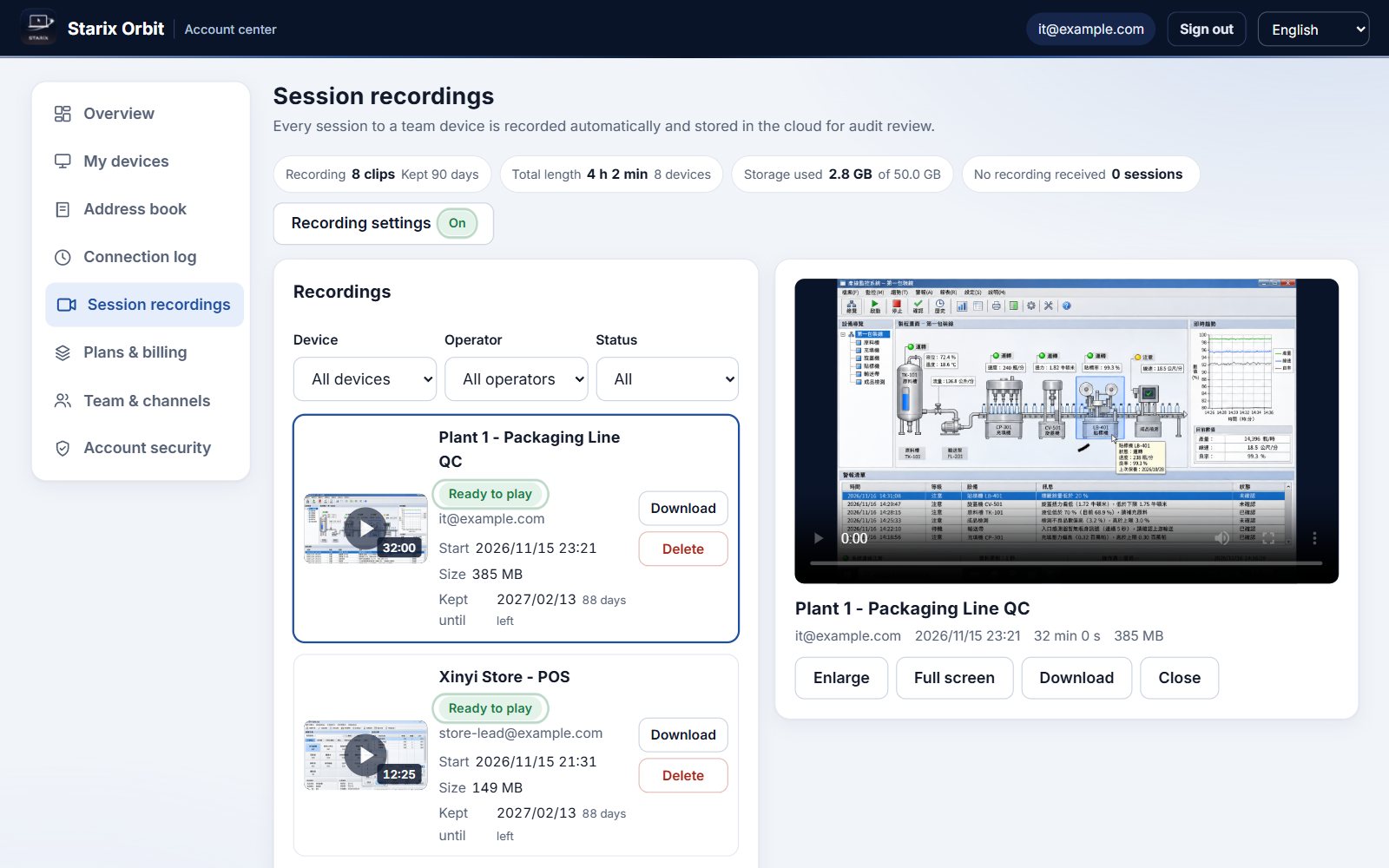
Team records every session and stores it in the cloud. If a parameter or setting was changed, play it back to see who did what, and when.
Control it directly with your keyboard and mouse, with low latency and quality that adapts to your network.
Download and install the Starix Orbit Host on the computer you want to control and sign in to your account. The computer then appears in your device list.
Set a fixed connection password in the Host and turn on unattended access. From then on it is ready to connect as soon as it boots, with no one on site.
Open the Controller on your own computer, sign in, select the device from the device list and click Connect.
Connect as soon as you download. Upgrade in the Account center.
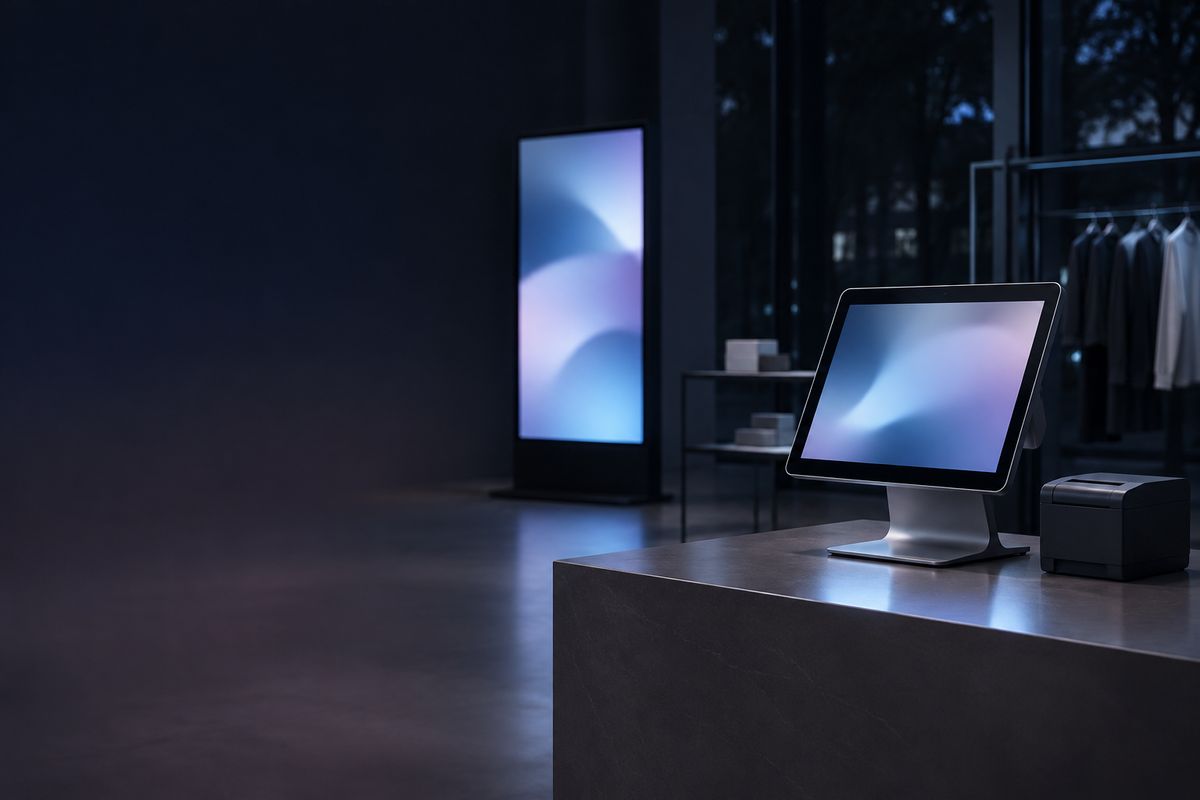 Store registers and signage
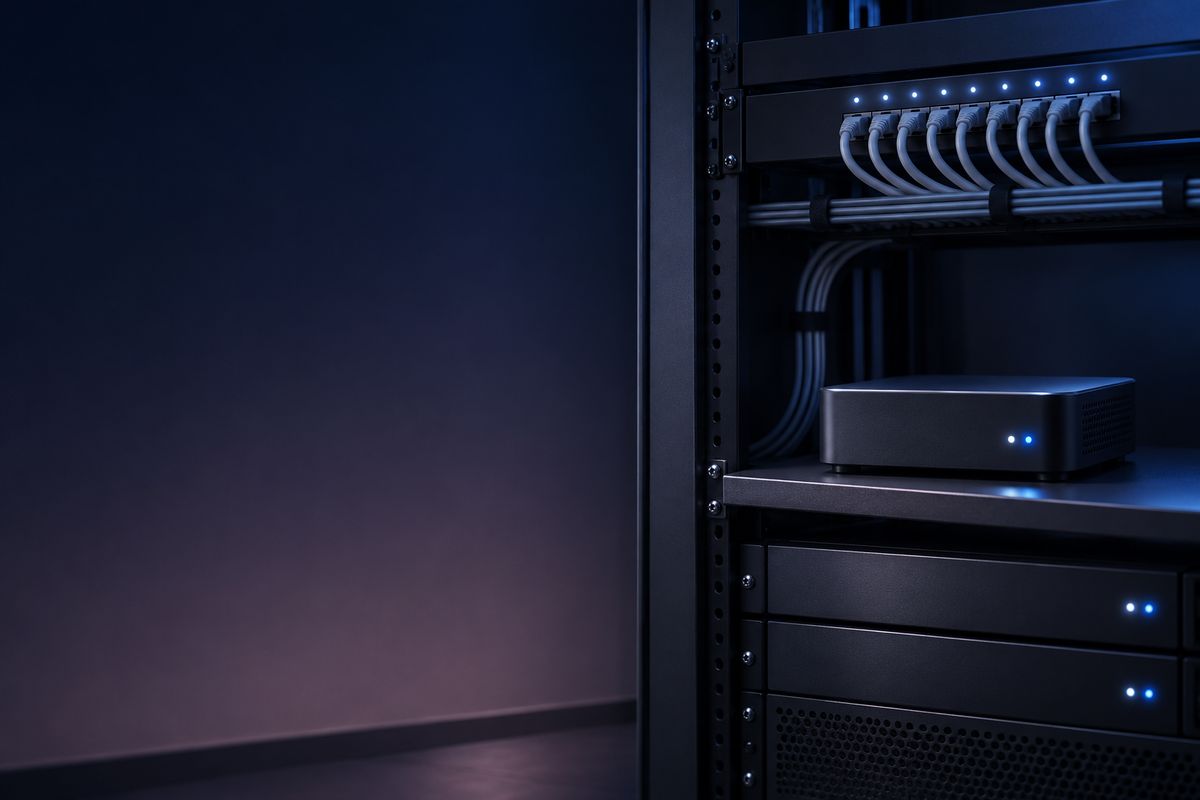 Server rooms and headless computers
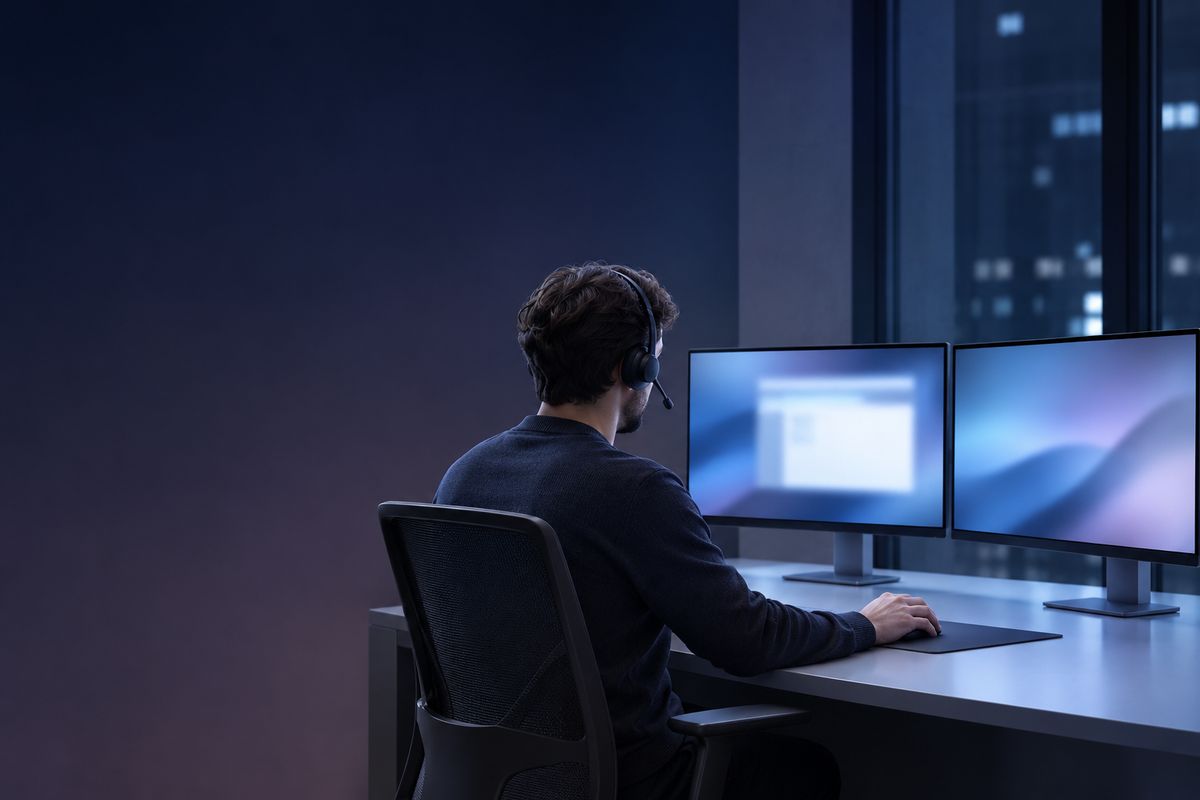 Remote IT support
 Working from home or on the road
 Design and media workstations